
The MacBook Flexgate issue concerns display flex-cable failure: bright patches along the lower edge or a backlight that cuts out as the lid opens. A confirmed damaged cable needs hardware repair. Reinstalling macOS cannot mend it.
Record the symptoms and exact MacBook model before requesting a quote. Apple's former display-backlight service program has ended, so an old eligibility article is not a current promise of free repair.
Recognize the pattern without declaring every dark screen Flexgate
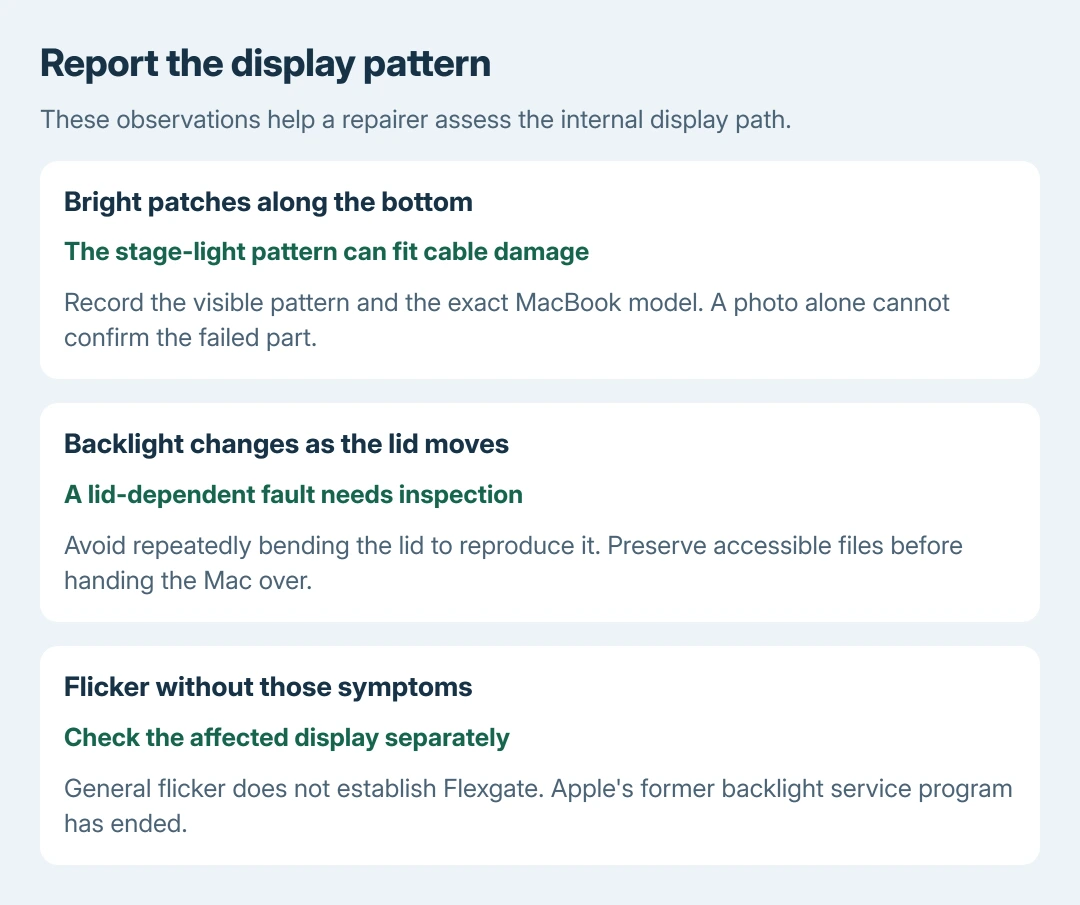
iFixit's original cable inspection describes ribbon-cable fatigue in the older MacBook Pro display design. It links backlight-cable damage with uneven bright areas along the bottom and loss of backlight as the lid opens.
Those bright areas are often called stage lights. Record whether the fault changes with the lid's normal movement, but do not keep bending it back and forth to make the failure repeat.
Status: Flexgate's cable mechanism, model-specific display repair and Apple's ended program checked October 28, 2026. No MacBook was opened or tested; no free repair is promised.
A dark screen can have other causes. Flicker on an attached monitor follows the Mac display-flicker checks rather than automatically implicating the laptop's internal cable.
The pattern supports a repair inspection; it does not identify the exact failed part from a photograph. A technician still needs to examine the particular machine.
Identify the model before discussing parts
Open Apple menu > About This Mac when a display is usable. Record the model name and year. Apple documents additional identification methods in its MacBook Pro model guide, including the underside serial number.
Give a serial number only through the repair provider's private support process. Do not publish it in a forum photo. A model number shared by several configurations is not enough to order an assembly confidently.
The original reports concern older Intel MacBook Pros. Do not label every later MacBook's line, flicker or black screen with the same repair name merely because a display cable might be involved.
Preserve the files while the Mac still works
If an external monitor provides a usable desktop, use it to complete a MacBook backup. Check the latest backup before handing the computer over for inspection.
A working external picture helps provide access. It does not prove that one particular internal component failed. Explain the difference between the internal and external displays to the technician.
The advice to avoid repeatedly stressing the lid is ours. Keep the Mac in a usable position only long enough to save necessary work, then shut it down for transport.
Ask what the proposed repair actually replaces
iFixit publishes a display-assembly replacement procedure for the 13-inch Touch Bar Late 2016 model. That is a model-specific repair, not a universal MacBook instruction.
Its cable analysis explains why the integrated display design makes this more than swapping an exposed plug-in wire. Ask whether the quote replaces the display assembly or repairs the cable, and what warranty covers that work.
Do not buy an assembly for a similar-looking Mac without confirming compatibility. A specialist's cable repair and an assembly replacement are different proposals; compare their scope as well as their price.
This is not a software-reset ladder. Once the fault is confirmed as physical cable damage, a macOS update, NVRAM reset or repeated reinstall does not restore the torn conductor.
Check current service options instead of the old free program
Apple states on its service-program status page that the program reached through the old display-backlight link has ended. The redirect was checked for this guide.
Ask Apple about service and parts for the recorded model. An authorized repair shop can quote its own available options. Request a written estimate before authorizing work. Historical eligibility does not extend the ended program.
For an older machine, compare that estimate with its overall condition and the cost of replacement. If the repairer cannot establish the fault, ask what test supports the quote before agreeing to a complete display replacement.
The Short Version
Stage-light patches and a lid-dependent backlight failure can fit Flexgate. Back up accessible files and get an inspection for that model. Confirm the repair's scope and warranty; Apple's old free backlight program has ended.

Isaac Smith is the founder and editor of PC Glance, a website that covers computers, laptops, and technology. He is a tech enthusiast and a computer geek who loves to share his insights and help his readers make smart choices when buying tech gadgets or laptops. He is always curious and updated about the latest tech trends.