
A purple light on an iPhone, seen through another camera near the front sensors, can be TrueDepth infrared output. Apple documents this light as expected. Check its location and whether the phone reports a Face ID problem.
A colored patch across the display, a spot inside a photo and a light captured from the front sensors are different symptoms. Color alone cannot identify the cause.
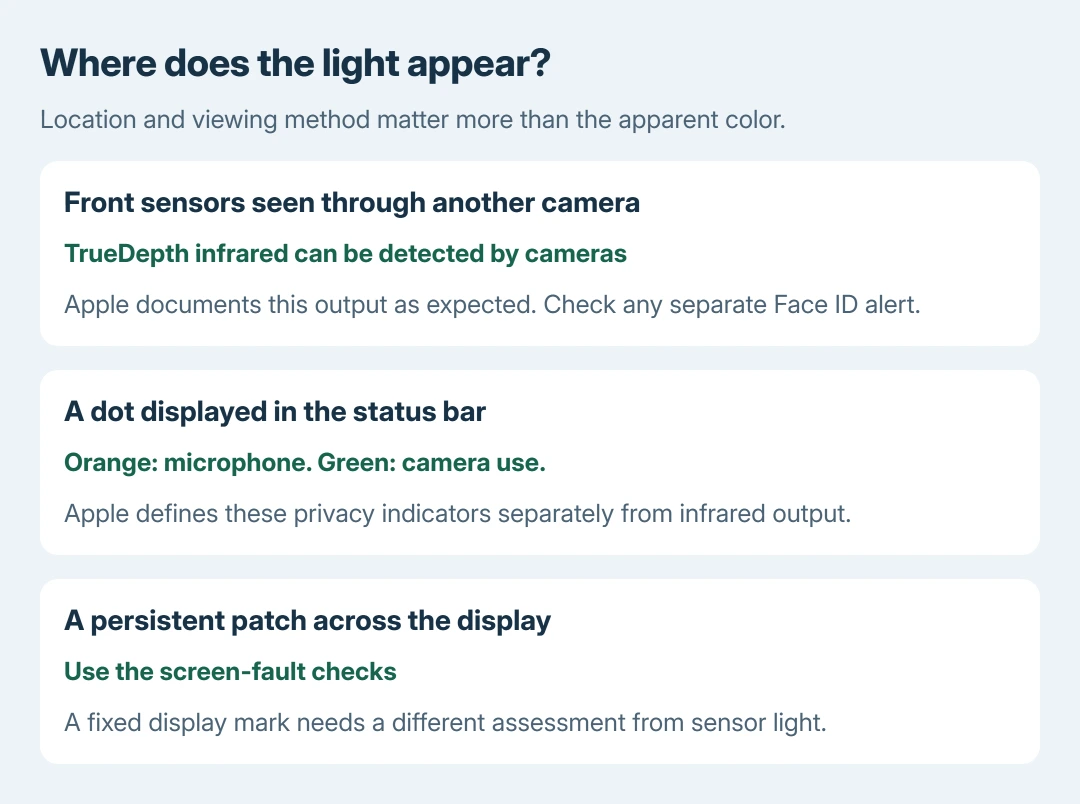
Check whether another camera is showing the light
Look at the iPhone directly, then compare what the other camera shows. Note whether the light comes from the front sensor area when the phone wakes or attempts Face ID. This comparison is ours; it does not test the sensor's condition.
Apple says some cameras detect infrared output from TrueDepth in its Face ID technology guide. It also documents faint light visible in an extremely dark room. A visible emission by itself is not a service alert.
Status: Apple's TrueDepth light explanation, privacy indicators and Face ID service advice checked October 28, 2026. Purple color alone is not treated as a diagnosis. No camera test was performed.
This explanation concerns iPhones equipped with TrueDepth for Face ID. Do not apply it automatically to a Touch ID model or to a light coming from a different part of the device.
Why it can happen without a Face ID unlock
Apple documents TrueDepth's attention-aware features even without Face ID enrollment. Waking the phone or receiving a notification can activate the system. Light outside an unlock attempt therefore has another documented explanation.
Do not reset Face ID simply to stop an expected emission. If recognition also fails, use the Face ID recognition checks for that separate symptom.
Orange and green dots have their own meaning
Apple's status-indicator page identifies orange as microphone use and green as camera use, with or without the microphone. It does not define a purple privacy indicator.
A displayed status dot and infrared captured by another camera are separate things. Check the dot's position and the actual phone display before deciding that an app is using hardware unexpectedly.
Take a persistent screen patch or Face ID alert seriously
A purple band or patch across ordinary onscreen content does not become normal merely because TrueDepth can emit infrared. If the mark stays in the same display location, follow the iPhone screen-line checks.
For a spot appearing only within captured images, tell Apple whether it affects the front camera, rear camera or both. Keep an example and describe the lighting. That gives support a specific image problem to assess.
Apple's Face ID alert instructions recommend updating iOS, then arranging service if enrollment or unlocking still fails. A detected TrueDepth issue needs that route, regardless of the light's apparent color.
The Short Version
Front-sensor light seen through another camera can be expected TrueDepth output. Check the location and any actual warning. A persistent display mark, failed Face ID or a spot confined to photos needs its own assessment.

Isaac Smith is the founder and editor of PC Glance, a website that covers computers, laptops, and technology. He is a tech enthusiast and a computer geek who loves to share his insights and help his readers make smart choices when buying tech gadgets or laptops. He is always curious and updated about the latest tech trends.