
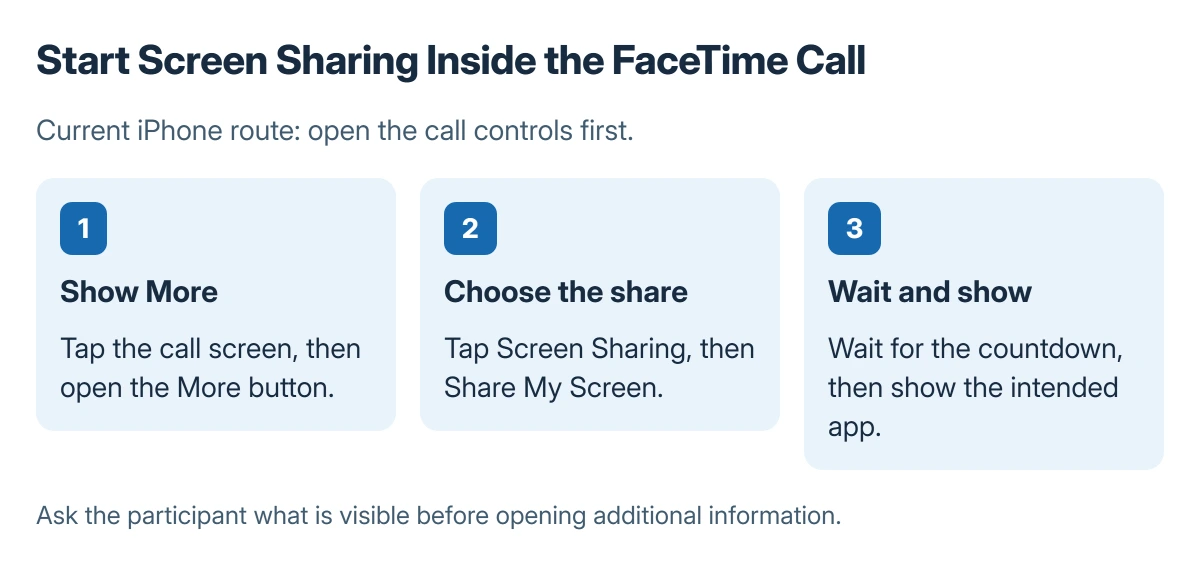
FaceTime screen sharing on iPhone starts inside an active call. Show the call controls, open More > Screen Sharing, and tap Share My Screen. A short countdown begins before the screen is shared.
The controls here follow Apple's current iPhone guide. A FaceTime guest joining from an Android or Windows browser cannot use the web version for screen sharing.
Prepare what the other person should see
Open the page or app needed for the discussion and close unrelated private material. Explain what will be shown before beginning, particularly when helping someone with an account or document.
Apple documents the current path in its iPhone screen-sharing instructions. Start an ordinary FaceTime call first; the Screen Sharing control belongs to the call interface.
Status: the iPhone call-control route is documented by Apple and checked 23 October 2026. Screen sharing was not operated; menus can differ on older software.
Tap the screen if the controls are hidden. Choose More, then Screen Sharing > Share My Screen. Apple says the countdown runs from 3 to 1 before sharing begins.
Return to the intended app after sharing starts. Ask the participant to confirm what is visible before opening additional information, so the explanation follows the same screen at both ends.
Stop the share when the demonstration ends
Reopen the FaceTime controls. Choose More, then Stop next to Screen Sharing. Ending the FaceTime call also ends its screen share.
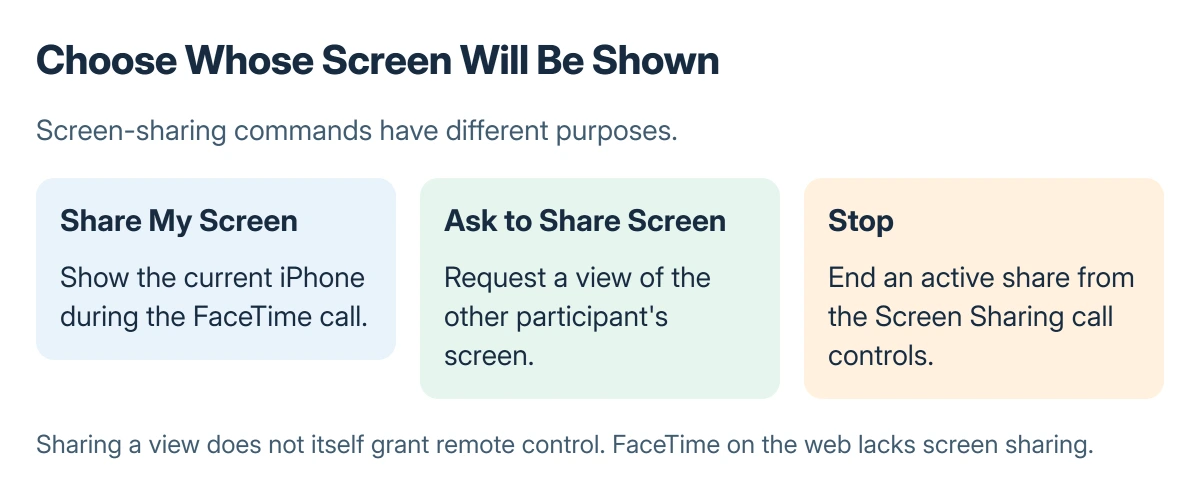
Apple states that Ask to Share Screen is a separate choice in the same menu. Select it when the other person needs to demonstrate their device instead.
Sharing a view is also different from allowing remote control. Do not accept an additional control request unless that access is intended and the participant is trusted.
Match the missing control to the participant platform
Apple's web-call documentation excludes screen sharing and SharePlay from browser FaceTime. Ask which device and app the other participant is using before troubleshooting a missing option.
For a black self-view, check the iPhone front-camera guidance. When a contact's call shortcut launches another app, use the wrong-app calling checks first.
For supported Apple devices that still lack the menu, record the software versions and check Apple's current feature requirements with support. Avoid changing unrelated camera or network settings without a matching symptom.
The Short Version
During an iPhone FaceTime call, use More, Screen Sharing and Share My Screen. Stop sharing from the same controls when finished. Web FaceTime guests do not have screen-sharing support.
Where to Next
For a support conversation, stop sharing before entering passwords or moving to private material unrelated to the problem.

Isaac Smith is the founder and editor of PC Glance, a website that covers computers, laptops, and technology. He is a tech enthusiast and a computer geek who loves to share his insights and help his readers make smart choices when buying tech gadgets or laptops. He is always curious and updated about the latest tech trends.