
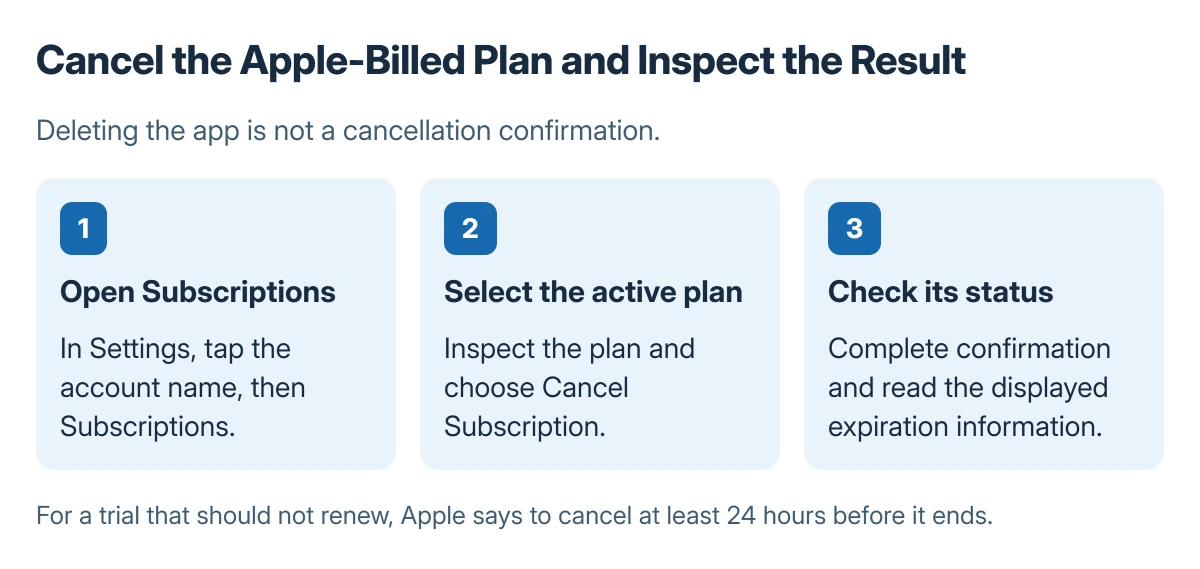
Cancel an iPhone subscription in Settings > your name > Subscriptions. Select the active plan, tap Cancel Subscription, and complete the confirmation. Check the resulting expiration information rather than relying on deleting the app.
This route applies to subscriptions billed through Apple. A plan billed directly by a provider, mobile carrier or another store needs that company's cancellation process.
Open the active plan under the correct Apple Account
Open Settings, tap your name, and choose Subscriptions. Select the plan that should stop renewing. Inspect the name, renewal information and account before confirming a change.
Apple says the Cancel Subscription command may require scrolling. Its subscription cancellation instructions explain the device route and how to identify a missing plan.
Status: subscription cancellation documented by Apple, checked 23 October 2026. No paid plan, trial or billing account was changed.
Confirm the cancellation when prompted. Keep the displayed result or confirmation email for the account's records. Removing an app is not proof that the billing plan has ended.
Interpret an expiration message or a missing Cancel button
Apple states that no Cancel button, or an expiration message shown in red, means the subscription is already canceled. Read the displayed date rather than repeatedly searching for a button that should no longer appear.
The App Store purchases and subscriptions guide distinguishes active plans from expired plans that can be renewed. Avoid selecting a renewal option while checking an existing cancellation.
For a trial that should not renew, Apple says to cancel at least 24 hours before the trial ends. Check the actual trial terms and displayed result instead of assuming every trial handles remaining access identically.
Identify who bills a plan that is not listed
Search email for an Apple receipt or invoice and check the Apple Account used for that purchase. The Apple Account email guide helps separate an account's sign-in address from another address being checked.
If a family member's account is shown, Apple directs that account holder to cancel. Being part of a Family Sharing group does not let another person cancel their subscription from the wrong account.
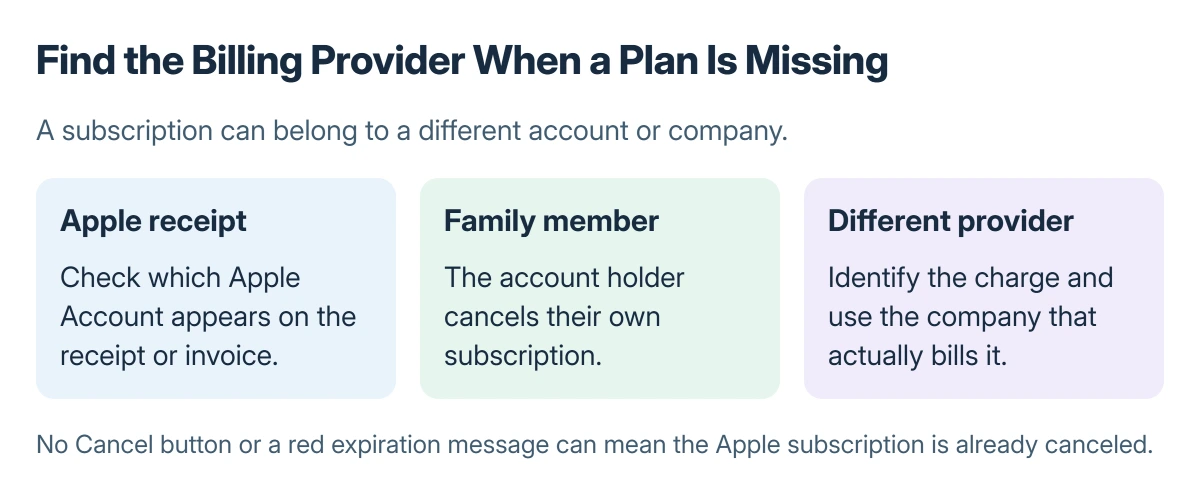
If no Apple receipt exists, examine the charge to identify the billing provider and contact that company. Do not buy a second plan simply because the first one is absent from Apple's subscription list.
A cancellation made for an Apple Account region change may be only one requirement of that change. Check the region procedure separately after confirming the subscription's status.
The Short Version
Cancel the active Apple-billed plan in Settings and confirm its expiration information. A missing Cancel button can mean cancellation is already complete. Use receipts and the billed account to locate a missing subscription.
Where to Next
If a charge continues, give the billing provider the plan name, billed account, charge date and cancellation confirmation. Keep refunds separate from stopping future renewal.

Isaac Smith is the founder and editor of PC Glance, a website that covers computers, laptops, and technology. He is a tech enthusiast and a computer geek who loves to share his insights and help his readers make smart choices when buying tech gadgets or laptops. He is always curious and updated about the latest tech trends.