
The safest Wi-Fi router passwords are long, unique and different for network access and administration. Replace predictable or reused values, including a shared default admin login. Keep each one separate from online accounts.
Choose a different password for each job
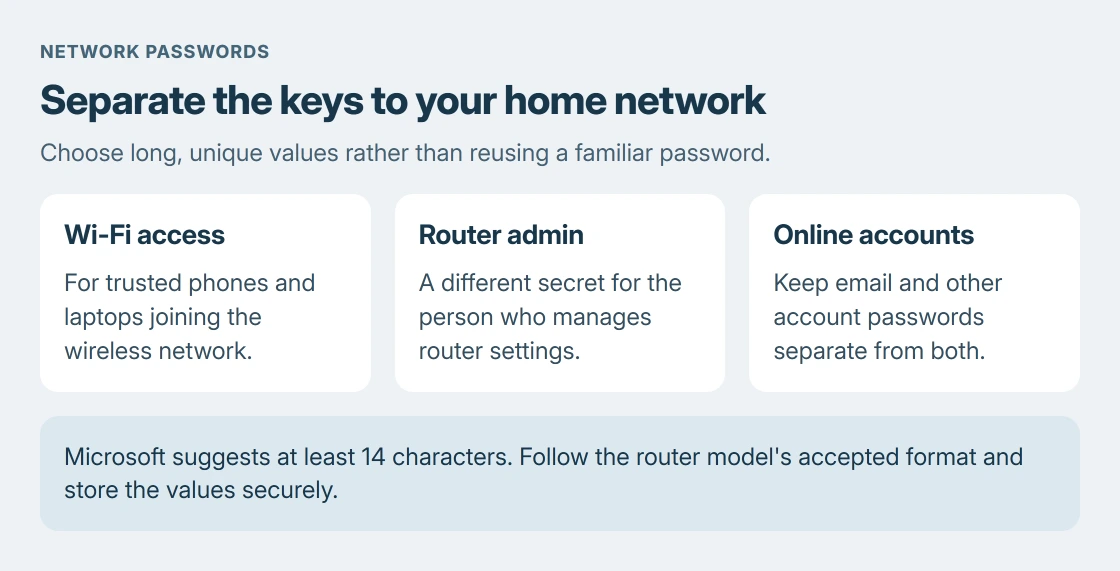
The Wi-Fi password lets a phone or laptop join the network. The admin password protects the router's configuration. Give them different values so sharing network access does not also disclose the settings login.
TP-Link says the two passwords should differ in its VX800v security guidance. That model's checklist calls for a strong, user-defined admin password and a long, unique wireless password.
Status: Router password selection checked with TP-Link, Microsoft and Google security guidance on 24 October 2026. No router login or stored password was accessed.
The router sign-in guide covers reaching the settings page. This choice concerns what to put in the password fields, rather than which address opens them.
Make length and unpredictability the priorities
Microsoft documents a target of at least 14 characters in its password guidance. It recommends long phrases or sentences with a mix of character types, rather than a short familiar word.
Use a password manager's generator if the router accepts its output. Check that model's allowed length and characters before saving. The minimum permitted length is a compatibility limit, rather than a target to aim for.
Avoid names, phone numbers and obvious patterns. TP-Link states those exclusions for the VX800v wireless password. Adding a familiar year or a single punctuation mark to an easily guessed word does not make it a good choice.
No example password printed in an article is private. Generate or create your own value instead of copying one that other readers can see too.
Keep router credentials separate from online accounts
Microsoft says reuse puts other accounts at risk when a password is stolen. Give router administration, Wi-Fi and email separate credentials. Small variations of a familiar password preserve a predictable pattern.
Store the admin value in a protected password manager or another secure record. Reserve it for the person managing the router. A visitor who only needs internet access should not need that credential.
Google's home-network security advice says to share the network name and password only with trusted people. Treat a screenshot or printed Wi-Fi code as another way of disclosing access.
Apply the new choice when devices can reconnect
Prepare the new credentials before applying the change. A wireless password change requires devices to reconnect with the replacement value. The Wi-Fi password-change procedure explains that disruption and the separate network-name setting.
If a laptop stops joining afterward, first confirm it is using the new network password rather than the admin one. A password that secures settings is not automatically the password that admits a device.
If the router rejects the chosen characters or its password fields are unclear, use the exact model's manual or ask its manufacturer. For an ISP-managed router with locked controls, request the provider's supported change process.
The Short Version
Use long, unpredictable values for Wi-Fi, administration and online accounts. Keep each distinct. Microsoft's 14-character target must fit the router's accepted format. Save the values securely and plan reconnection.

Isaac Smith is the founder and editor of PC Glance, a website that covers computers, laptops, and technology. He is a tech enthusiast and a computer geek who loves to share his insights and help his readers make smart choices when buying tech gadgets or laptops. He is always curious and updated about the latest tech trends.