
Make a copy of a Word document before editing it when the original must stay intact. Use File > Save a Copy, choose a distinct filename and destination, then confirm that the copy is the document currently open.
This order matters for OneDrive and SharePoint files with AutoSave. Editing first and copying afterward can already have changed the original.
Save the separate file before making changes
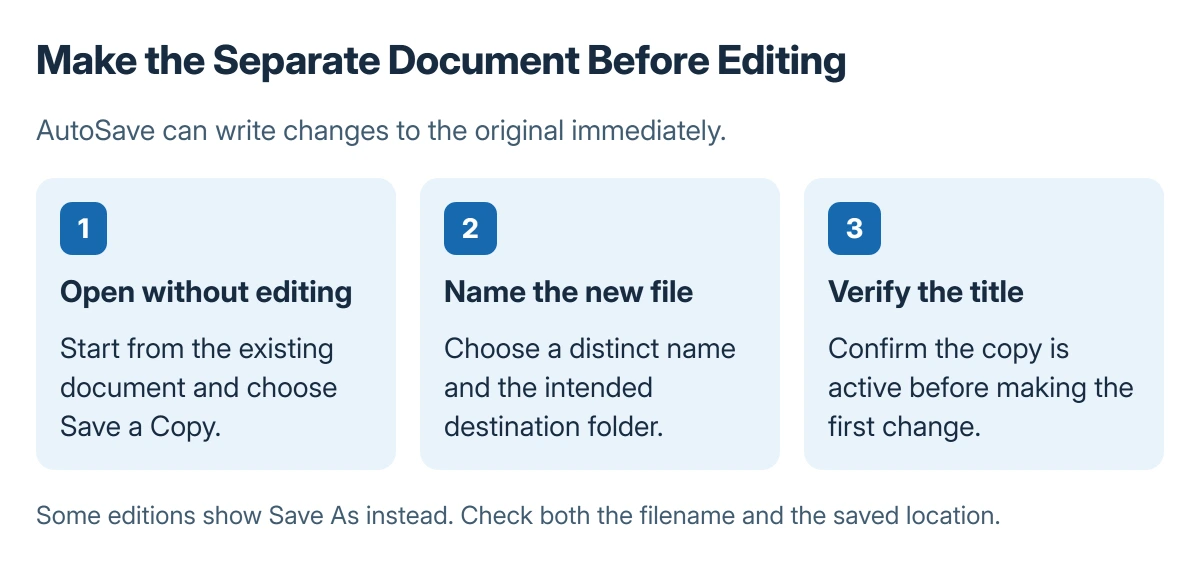
Open the original document without changing its text. Choose File > Save a Copy. If that command is unavailable in the edition being used, look for Save As instead.
Microsoft says to create the copy before editing when AutoSave is active. Its copy-before-editing guidance explains why the older habit of saving a new version at the end can overwrite source content.
Status: Save a Copy and cloud Version History documented by Microsoft, checked 23 October 2026. No existing document was opened or changed to write this procedure.
Enter a name that identifies the new purpose, such as a different month or recipient. Check the folder as well as the filename, then save the copy in the normal Word document format if it must remain editable.
Confirm which document will receive the edits
Inspect the document title after saving. Confirm it shows the new name, and check its saved location when two folders contain similarly named files.
Microsoft documents Save As as a way to save a file under another name, format or location. A distinct name in the intended folder creates the separation; reopening the original would put later edits back there.
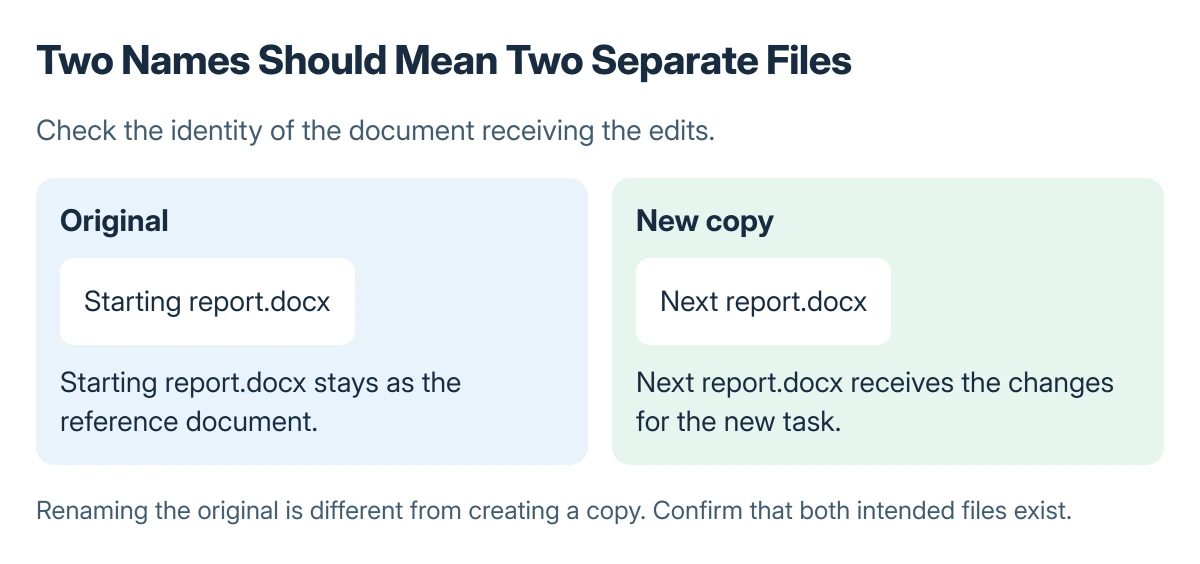
For a local file, another option is to close it, copy it in File Explorer, and open the duplicated file. Confirm that both files exist before beginning work on the duplicate.
If the copied Word file contains private material, encrypt it with a password to open before distributing that file. A different filename does not restrict access.
Recover an earlier cloud version if editing began too soon
For supported files stored in OneDrive or SharePoint, open Version History from the document title or the File information controls available in that edition. Inspect the earlier version before choosing a restoration.
Microsoft states that Office Version History works with files stored in OneDrive or SharePoint. Do not assume a local folder has that cloud history, or restore a shared file without considering other people's newer edits.
An app crash with unsaved work has different document recovery options. To repeat only one page inside the same file, use the page duplication procedure instead of copying the complete document.
The Short Version
Create the separate document with a distinct name and confirm its location before editing. AutoSave can change the original immediately; supported cloud files may offer earlier versions if that already happened.
Where to Next
Close and reopen the new copy when the names remain confusing. Check the title once more before making changes that should never reach the starting document.

Isaac Smith is the founder and editor of PC Glance, a website that covers computers, laptops, and technology. He is a tech enthusiast and a computer geek who loves to share his insights and help his readers make smart choices when buying tech gadgets or laptops. He is always curious and updated about the latest tech trends.