Wet AirPods need to dry completely before you listen to them or charge them again. Remove both earbuds from their case, wipe them with a soft, dry, lint-free cloth, and give them at least two hours to dry completely.
That can be enough after a splash, but it can't reverse damage already caused by liquid. A soaked case, detergent exposure, and an ear tip holding water need different attention.
In this guide
1. Stop using the earbuds and separate them from the case
Remove both earbuds and place them on a clean, dry surface. Keep the wet parts away from a charging cable or wireless charging pad. Putting a damp earbud away isn't the next step, even when its battery is nearly empty.
Dry the outside with a soft cloth that won't shed fibers. Work around the stem and the outside of the earpiece without pushing material into the speaker mesh. A visible droplet on the surface should come away with the cloth.
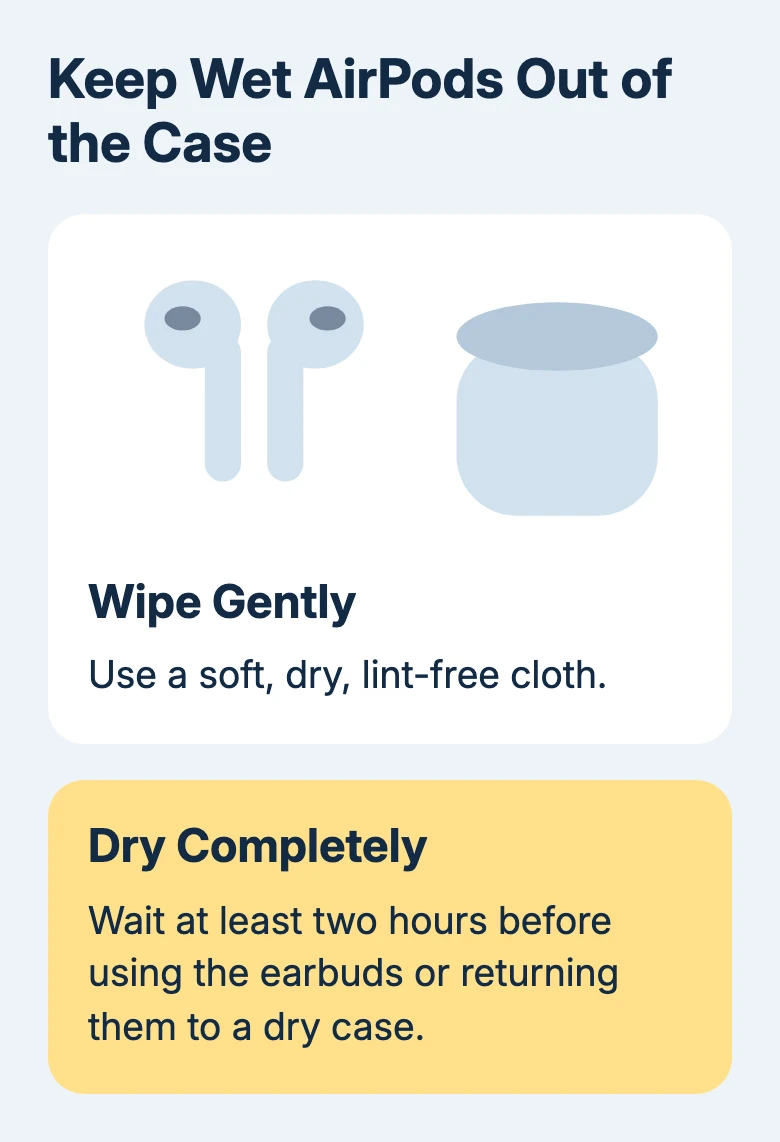
Apple says to allow complete drying before they go back in your ears or case, with a two-hour minimum in its water-exposure instructions. Heat and compressed air aren't suitable drying methods.
Treat two hours as a minimum, rather than permission to charge something that's still wet. Check the part itself for remaining moisture. A case that was soaked needs attention of its own before either earbud goes back inside.
I'd deal with the moisture first and leave connection troubleshooting until afterward. A reset changes pairing information; it doesn't remove liquid from an earbud or its charging contacts.
2. Clean off soap or other residue before it dries in place
Plain water and a trip through the washing machine aren't the same exposure. Detergent, shampoo, sunscreen, and similar substances can affect the water seals and the thin material that carries sound.
On AirPods Pro, wipe off the residue using a cloth made slightly damp with fresh water. Then wipe away moisture with a dry, lint-free cloth. Let the earbuds finish drying before wearing them or putting them away.
Don't hold the earbuds under a running faucet to rinse away soap. The body-cleaning method uses a damp cloth, not a stream of water directed into the openings.
This step removes residue from the outside. It can't tell you whether a machine-washed earbud has damage inside. If one still sounds distorted after complete drying, stop treating it as a cleaning problem and ask for a repair assessment.
AirPods Pro 3 have an optional additional cleaning method that doesn't apply to older Pro models. Follow your exact model's instructions rather than copying a rinsing method from another pair.
3. Remove trapped water from an AirPods Pro ear tip
For water collected in a Pro ear tip, hold the ear tip opening downward and tap the AirPod on a soft, dry, lint-free cloth. This gives water in the tip a way out without pushing anything into the opening.
Pull the silicone tip off by gripping its base where it attaches to the earbud. The removable tip can be rinsed with water separately. Don't use soap or household cleaners on it.
Dry the tip with the cloth and wait until it's completely dry before putting it back. Align its oval shape with the attachment point and press until it clicks into place. A wet tip shouldn't go straight back on a dry earbud.
This applies to the removable silicone tips on AirPods Pro. Standard AirPods don't have a removable silicone tip. Don't pry at a fixed speaker opening because a Pro cleaning step mentions removing an ear tip.
If sound stays weak after the parts are dry and attached, use the left-earbud sound checks to compare a charged earbud with one that stays silent. Tell a repair technician about the liquid exposure if the difference persists.
4. Check the charging case separately
Wipe the case with a soft, dry, lint-free cloth and let it dry. Check the earbud wells and the charging-port area before returning the earbuds. The case needs to be dry too, even when the earbuds are ready.
Don't put objects into the charging port or use an abrasive cleaner on the case. Scraping the metal contacts can damage them. If liquid remains inside a well or port, leave the case disconnected and ask for service advice.
Some cases resist splashes and others don't. Neither Pro 1 case has sweat or water resistance. The Lightning case for Pro 2 and the AirPods 3 cases have an IPX4 rating for sweat and water resistance.
Both AirPods 4 cases and the USB-C Pro 2 case carry IP54 ratings for dust, sweat, and water resistance. Pro 3 and both AirPods 5 versions have IP57 ratings. Even those models aren't intended for swimming or showering.
Resistance can weaken over time, and the earbuds and case can't be resealed or rechecked for that protection. A pair that survived one splash can still suffer damage from the next, whatever its original rating.
5. Compare the earbuds only after everything is dry
When both earbuds and the case are completely dry, check whether each earbud charges and plays sound. Compare left and right at a comfortable volume. Note whether the fault affects one earbud, both, or only the case.
For a case that's dry but won't gain charge, follow the AirPods charging checks. Checking with a working power source helps you tell an ordinary charging fault from trouble left by the spill.
Don't keep repeating resets to see whether crackling disappears. If the same earbud stays distorted, loses charge, or fails to respond after drying, that's the symptom to report. A pairing reset isn't a liquid-damage repair.
Arrange service when drying hasn't restored normal use
Use the AirPods repair page to request an inspection or replacement. Give the model, the liquid involved, when it happened, and which part still fails. Mention a soaked case even if the earbuds currently play normally.
Ask for a quote for the affected earbud or case before replacing the entire set. The standard limited warranty excludes accidental damage; AppleCare coverage and consumer rights can change what you'll pay.
The Short Version
Keep wet AirPods out of their case, wipe them dry, and allow complete drying for at least two hours. Remove residue using the model's cleaning method. Persistent charging or sound trouble after drying needs a service assessment.
Checked November 29, 2026.
 If you have any business, I can build it online