An AirPods case spends charge refilling the earbuds, so a falling percentage isn't always a fault. Charge it by cable, confirm the earbuds are full, then compare the case reading after a period without listening.
Check whether the case is recharging the earbuds normally, has a poor charging connection, or is losing charge while unused. A reset can address charging trouble, but it can't restore a worn battery's capacity.
In this guide
1. Start with a wired charge and separate battery readings
Put both AirPods in their charging case and close the lid. Connect the correct Lightning or USB-C cable to a working USB power adapter and outlet. For an apparent charging failure, give the set 15 minutes or longer on power before checking.
An empty case won't necessarily fill in 15 minutes. This first check gives it time to start charging. Leave it connected until the case reading shows full before checking how well it holds that charge.
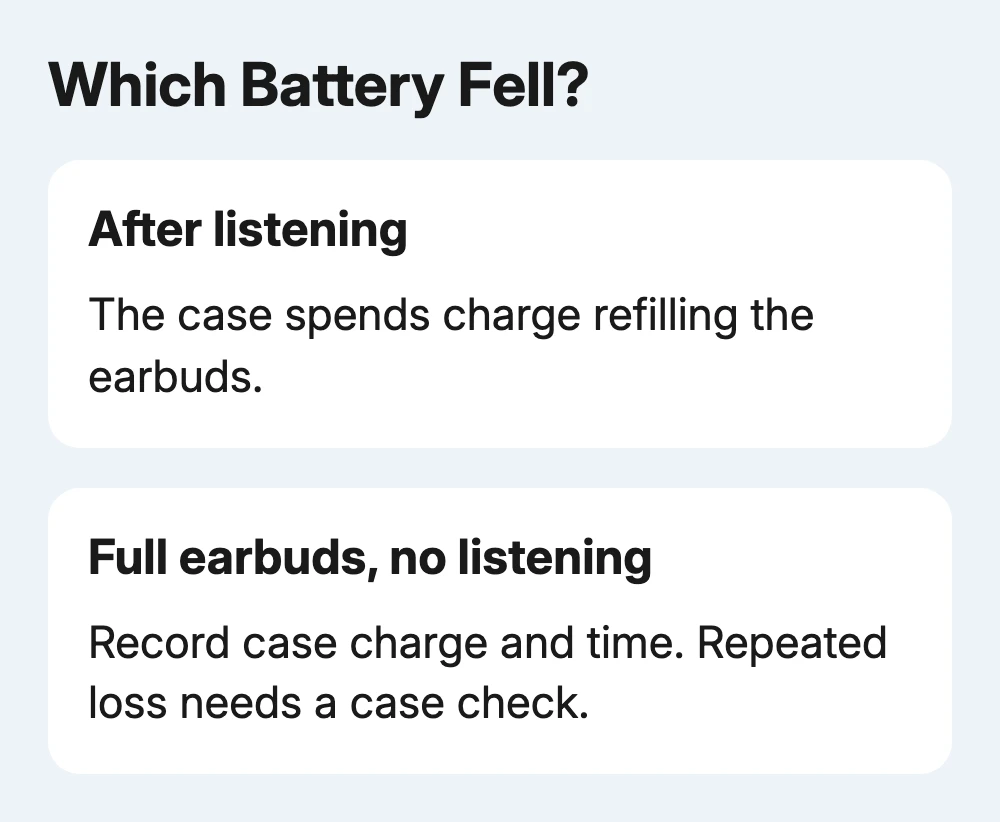
Open the lid near the paired iPhone and check the case and earbud readings. The AirPods battery checks on iPhone show separate readings for the case and earbuds, so you know which battery is low.
Check which battery the status light describes. When the earbuds are inside, the light describes their charge. With them removed, it describes the case. Green means fully charged; amber means a full charge hasn't been reached.
If the case is still low while plugged in, move to the connection check. If it reaches full but later loses charge, note that it charged by cable, then move to the earbud comparison. Those are different results to report to support.
2. Separate a bad charging connection from poor storage
Seat the charging cable firmly in both the adapter and case, and try another working cable or power source. Apple says to check power and cable connections before resetting the AirPods.
If you normally charge wirelessly, a successful cable charge is useful. It shows that the case can accept power by cable, even when the pad or the way it sits on the pad hasn't given you a reliable charge.
For a wireless-capable case, place it on a compatible charger with the lid closed and status light facing up. Its light can come on briefly and then go dark while charging continues. A dark light by itself doesn't mean charging stopped.
Not every AirPods case supports wireless charging. Check your case model rather than expecting every case with the same general shape to work on the same pad. A Lightning or USB-C socket is the straightforward wired route.
Look for debris in the case port. Clean the case according to its model's instructions, using a dry, soft brush for port debris and keeping metal tools out. Have a damaged case or cable checked before charging again.
When the case won't charge through a known working cable and power source, the AirPod and case charging guide covers that failure. Get the case charging successfully first, then check whether it keeps that charge.
3. Compare the case with fully charged earbuds inside
Record the case and both earbud readings after charging. Close the lid and leave the set unused for a period you can repeat, such as overnight. Check all the batteries again before using the earbuds.
The case uses its stored energy to recharge used earbuds. A lower case reading after a long listening session is expected behavior. Starting with full earbuds means the case won't need to replace the charge used during a listening session.
The charging instructions don't set an overnight percentage limit for all models. A rule about how much every model should lose won't tell you whether your case is faulty. Record the starting and ending readings and elapsed time instead.
If one earbud remains low while the other charges, reseat that earbud and check it again. Poor contact can leave you with a charging problem that looks like short battery life when you take it out.
I'd keep the first comparison simple: same case, same earbuds, no listening between readings. It's more useful to a repair technician than comparing yesterday's heavily used set with today's unused one.
If the earbuds run out quickly after a full charge, their battery life is a separate problem. For the case, check whether it keeps enough charge to recharge them normally.
4. Reset charging trouble with the controls your case has
Try a reset if charging problems persist. It clears custom AirPods settings, so you'll need to restore those afterward. Choose the procedure for your model rather than pressing a button your case doesn't have.
If the AirPods aren't listed in Bluetooth settings, skip the forgetting action and continue with the case.
For AirPods 1, 2, or 3, or AirPods Pro 1 or 2:
- Return both AirPods to their charging slots and shut the lid. After 30 seconds, continue to the phone settings.
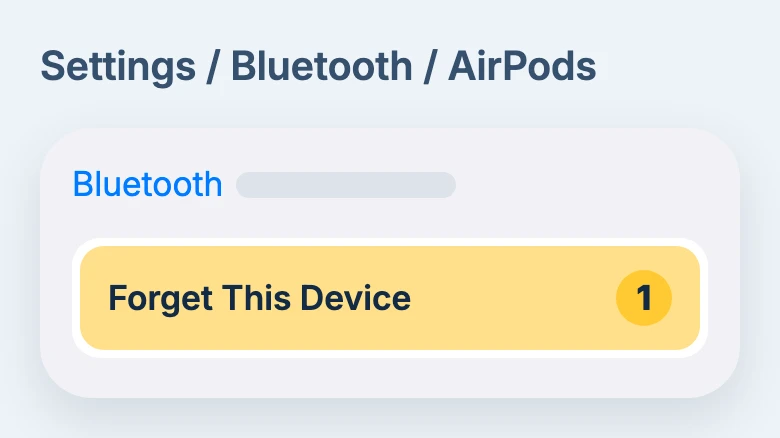
- On the paired iPhone, open Settings > Bluetooth. Select the AirPods information button, choose Forget This Device, and confirm.
- Open the lid. Press the setup button at the rear for roughly 15 seconds. Watch for amber flashing followed by white.
- Bring the case, with its lid open, beside the iPhone. Complete the pairing prompts.
The AirPods Pro 3, AirPods 4, and AirPods 5 cases need the same first two steps. With the lid open, tap the case front rather than holding a rear button:
- With the case light on, double-tap its front.
- Wait for white flashing, then double-tap once more.
- As the white flashing speeds up, double-tap the front once more. Wait for amber followed by white, then reconnect near the phone.
If the light won't flash white, close the case for 20 seconds and repeat the model's reset action. The model-specific reset instructions show the sequence when the timing is difficult to follow.
After reconnecting, see whether normal charging returns. If a full case still empties while the earbuds remain unused, arrange service rather than repeating resets indefinitely.
5. Ask for case battery service when stored charge disappears
Use Apple Support > AirPods > Repair to arrange an inspection. Explain that the charging case, rather than just one earbud, loses stored charge. Bring the case and earbuds so the technician can check how they charge together.
Provide the case model, cable result, starting and ending readings, elapsed time, and whether the earbuds were already full. Also mention drops, liquid exposure, or a case that works only while connected to power.
Ask for a case battery assessment and the replacement price for your coverage. Don't treat an earbud replacement quote as the answer to a case-only problem. Your repair options and price depend on the inspection and your coverage.
The Short Version
Confirm a full wired charge, then compare case readings with full, unused earbuds. Check the connection if it never fills. Use your model's reset for charging trouble, and request case battery service if stored charge keeps disappearing.
Checked November 29, 2026.
 If you have any business, I can build it online