
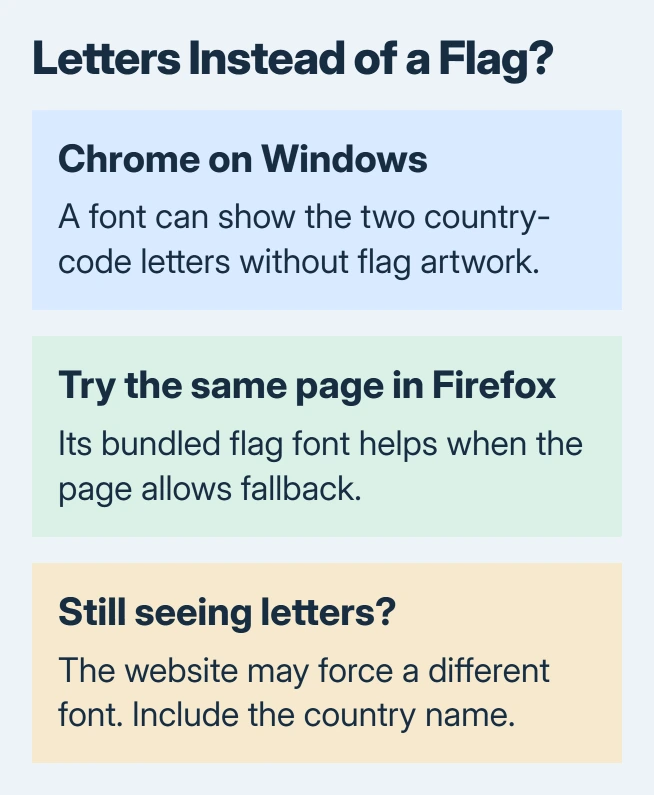
Flag emojis showing as two letters in Chrome on Windows usually reflect missing country-flag artwork in the chosen font. The characters can be present even when no flag picture appears. Reinstalling Chrome does not add that missing artwork.
Try the same page in Firefox as a practical workaround. Its bundled flag font can help, although a website that explicitly requests the Windows emoji font can still display letters there too.
Check whether only country flags are affected
Compare a country flag with an ordinary face emoji on the same page. If faces display but flags become letter pairs, that matches the Windows flag-font limitation described by the country-flag font project's developer.
Boxes, missing images and an entirely blank webpage are different symptoms. A page that replaces Unicode flags with its own images can show flags successfully on the very same PC.
Status: Flag-font behavior checked October 31, 2026 against Mozilla's current bug discussion and the font project's documentation. Firefox is a conditional workaround, not a universal fix.
The distinction matters when flags work on one website but fail on another. The sites may be supplying different artwork rather than sending different characters.
Try Firefox with the exact page that fails
Open the same address in Firefox and inspect the same text. The Twemoji fallback is documented by the vendor; Mozilla's font discussion explains how Firefox chooses it for flags.
There is a limit: an explicit Segoe UI Emoji choice in the page's styles can take priority. That Windows font renders the regional-indicator characters as letters, so switching browsers will not repair every page.
In October 2026, the split was reported by an owner: flags displayed in some places but remained letters elsewhere. Their later font comparison identified Twemoji for working flags and Segoe UI Emoji for the failing ones.
Will Chrome's font-size controls fix the flags?
The Chrome text-display controls, documented by Google, include font size and Customize fonts. Enlarging letters cannot turn them into artwork absent from their font.
There is no country-flag switch in those documented appearance controls. A website can also specify its own font, which limits what a general browser font preference changes.
Inserting an emoji is a separate task from displaying it. The Outlook emoji shortcuts open a picker, but do not guarantee that every recipient's app uses matching artwork.
Make the country readable when the flag cannot be shown
When writing a message or document, include the country name beside the symbol. That preserves the meaning for people whose devices render letters or different artwork.
For a site you manage, the developer's documented solution supplies a flag-capable web font and applies it to the relevant text. Send that option to the site's developer; a visitor cannot change the site's font rules for all readers.
If other emoji features fail, distinguish them before changing Windows. The Windows picker GIF-service problem concerns a media provider, rather than country-flag characters.
For a page that still fails in Firefox, report the address and browser version to the site owner. Mention whether the same flag works elsewhere on the page; that helps them inspect the font choice.
The Short Version
Two letters in place of a country flag usually mean the selected font lacks flag artwork. Firefox can supply it when fallback is allowed. For reliable communication across devices, include the country's written name.

Isaac Smith is the founder and editor of PC Glance, a website that covers computers, laptops, and technology. He is a tech enthusiast and a computer geek who loves to share his insights and help his readers make smart choices when buying tech gadgets or laptops. He is always curious and updated about the latest tech trends.