
The Bcc field in Outlook adds recipients whose addresses are hidden from other recipients. In new Outlook, open a message and choose Options > Show fields > Show Bcc.
In classic Outlook, a separate message window uses Options > Bcc. A reply inside the Reading Pane can show Bcc directly on its ribbon.
Reveal Bcc in the message being composed
Start a new message or open the reply or forward that needs hidden recipients. Choose the Bcc control for that version of Outlook, then enter the intended addresses on the Bcc line.
Microsoft documents the different new and classic Bcc controls. Check the labels in the actual compose window before assuming an option from another Outlook layout is missing.
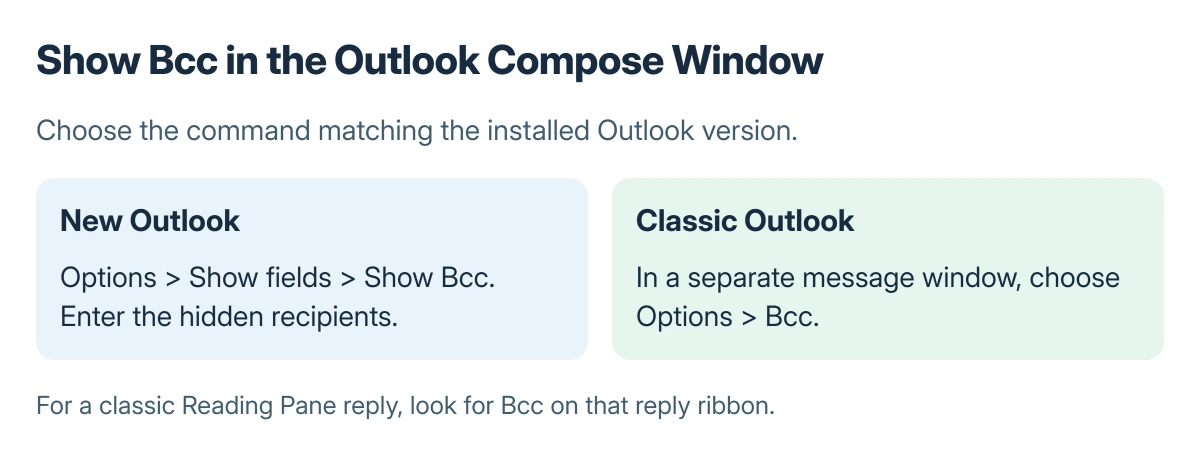
Status: Windows Outlook Bcc controls documented by Microsoft, checked 23 October 2026. The diagrams explain fields; no message was composed or sent.
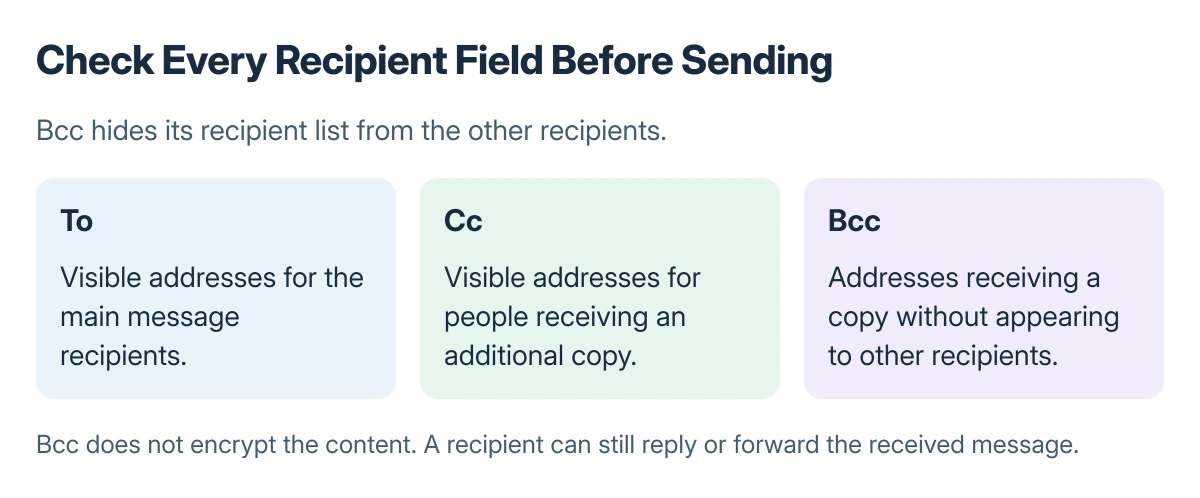
Review To, Cc and Bcc before sending. A visible address accidentally left in To or Cc is still visible to the other recipients, even when the Bcc field is also present.
Understand what the recipients can see
Microsoft says Bcc recipients receive the message without their names being shown to other recipients. The sender can still inspect the Bcc list in their own sent copy.
Bcc does not keep the message's content private from its recipients. A hidden recipient can reply or forward what they received, potentially revealing their involvement in the conversation.
When repeatedly contacting the same people, the Outlook contact-list controls can save address entry. Review how that list is expanded and which recipient field is being used before sending.
Inspect the sent copy and use separate protection when needed
In classic Outlook, open the message in Sent Items and expand its header if the Bcc list is not fully shown. Check the complete list rather than relying on a shortened recipient summary.
Microsoft states that Bcc addresses count toward an email provider's recipient limit. A hidden list does not bypass the service's sending rules or guarantee the message avoids junk filtering.
For message protection beyond address visibility, qualifying Outlook accounts offer encryption options. Scheduling a prepared message is a different action covered by the scheduled-send controls.
If Bcc itself cannot be found, record whether the app is new Outlook, classic Outlook or a browser edition, and whether composing happens inline or in a separate window. Those details determine the correct control path.
The Short Version
Show Bcc from the compose controls for your Outlook version and check every recipient field. Bcc hides that address list from other recipients; the sender can review it in the sent message.
Where to Next
For a message requiring private content as well as hidden addresses, check which protection the account actually supports before sending the final version.

Isaac Smith is the founder and editor of PC Glance, a website that covers computers, laptops, and technology. He is a tech enthusiast and a computer geek who loves to share his insights and help his readers make smart choices when buying tech gadgets or laptops. He is always curious and updated about the latest tech trends.