
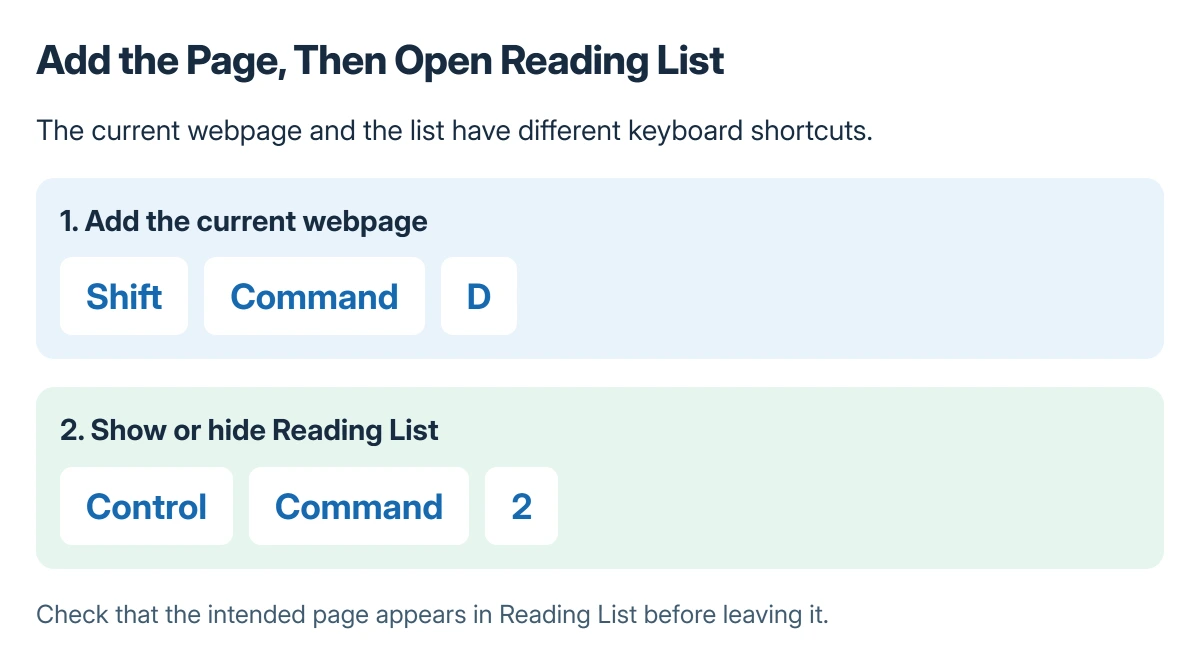
Safari's plus button can save a page to Favorites or another bookmark folder when Reading List was intended. Use Shift+Command+D to add the current page to Reading List, then check that collection directly.
Owners describing this on Safari 27.0.1 also found a destination menu by Control-clicking the plus button. The workaround is choosing the destination explicitly, rather than assuming every plus-button click has the same result.
Add the current page with the Reading List shortcut
Open the page in Safari and press Shift+Command+D. Apple documents that combination for adding the current webpage in its Safari keyboard reference.
Open the sidebar's Reading List collection and look for the saved page. Control+Command+2 is Apple's shortcut for showing or hiding the Reading List sidebar.
Status: Safari 27.0.1 destination reports, subsequent replies and Apple's Reading List shortcuts checked 22 October 2026. No permanent plus-button default change was confirmed.
If Safari sends links into separate windows as well, use the Safari tab-opening preferences for that behavior. A saved bookmark destination and a new-window preference are separate controls.
Choose Reading List from the destination menu
Control-click the plus control beside Safari's address field. In the reported menu, select Reading List rather than Favorites or a named bookmark folder.
That route was reported by an owner who could add the page correctly from the menu. Their next ordinary click still chose Favorites, so selecting Reading List once did not establish a persistent default.
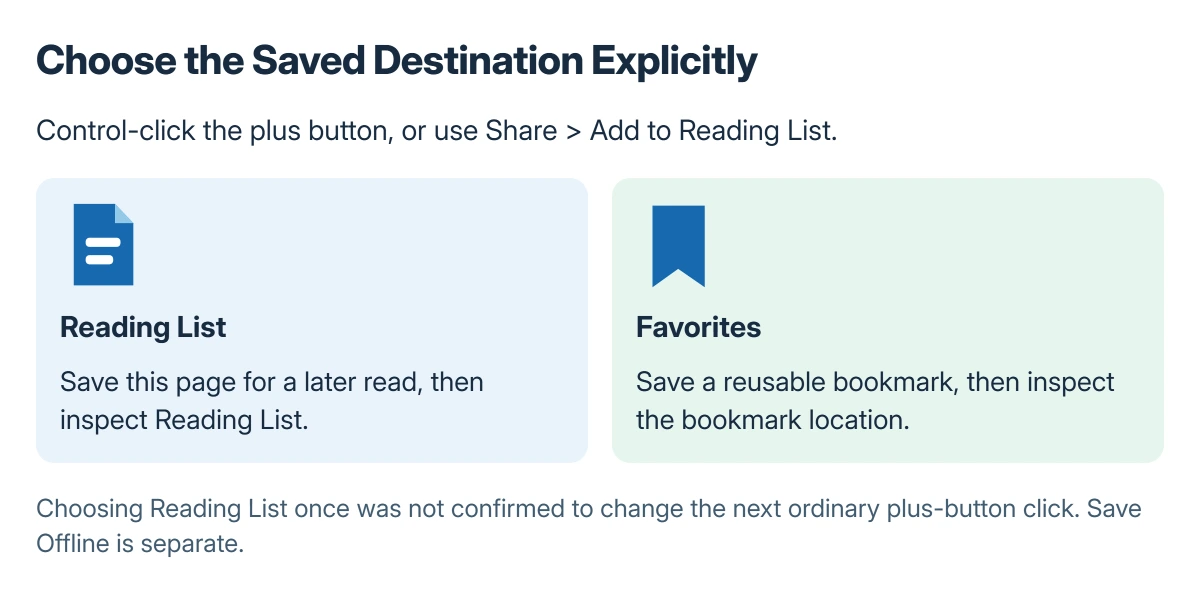
Later replies complicated the initial bug theory: destinations varied between pages, and an ordinary click sometimes did add to Reading List. We could not confirm a setting that fixes the plus button to one destination.
Use Share when the plus control is absent
Apple says the toolbar's Share control also offers Add to Reading List in its Reading List instructions.
Use that explicit command when the current toolbar layout does not expose the plus button. A participant using compact tabs reported that the button was absent in that layout.
For a link on the page rather than the page itself, Apple states that Shift-clicking the link adds its target to Reading List. Confirm which page was added before leaving the list.
Save offline only when it is needed
Adding an entry and downloading it for an offline read are different actions. In Reading List, Control-click the webpage summary and choose Save Offline when it needs to be available without internet access.
Avoid clearing the entire browsing history to correct a saved destination. It removes unrelated browsing data and does not follow from the outcomes in this discussion.
If the saved page opens behind another window, check Safari's hidden-window behavior separately. When the explicit Reading List command itself fails, give Apple Support the Safari version, page address and exact command used.
The Short Version
Use Shift+Command+D for the current page or Share > Add to Reading List. Open Reading List afterward to confirm where the page went.
Control-clicking the plus button can expose a destination choice, but the reports do not establish that it changes the next ordinary click's default. Save Offline is a separate choice for disconnected reading.
Where to Next
Try the explicit command on a second page before reorganizing existing bookmarks. That establishes whether the remaining problem is one page, the chosen command or the collection being viewed.

Isaac Smith is the founder and editor of PC Glance, a website that covers computers, laptops, and technology. He is a tech enthusiast and a computer geek who loves to share his insights and help his readers make smart choices when buying tech gadgets or laptops. He is always curious and updated about the latest tech trends.