
AirPods Max have no ordinary power-off button. To put them away and save battery, place them in the Smart Case; Apple uses a low-power sleep state instead of a manual shutdown command.
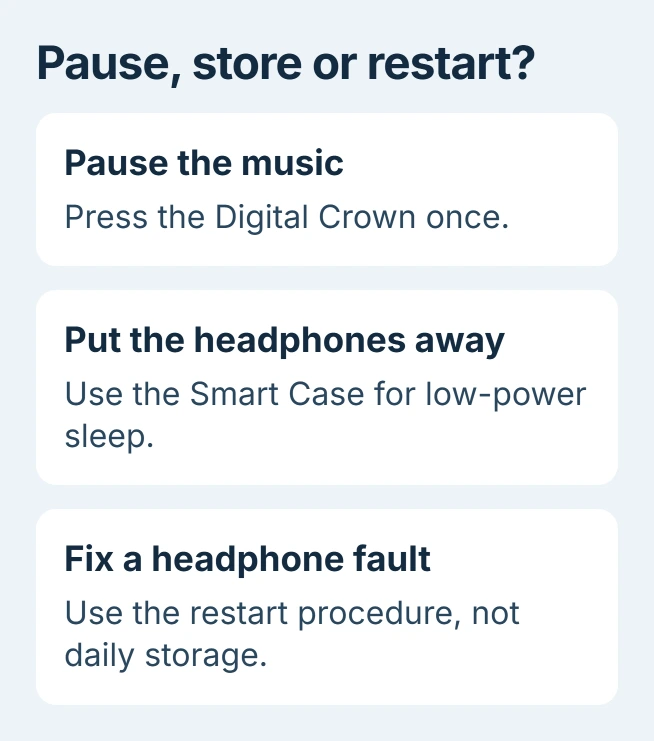
For a short break, pause playback with the Digital Crown. Holding both headphone controls restarts or resets them, so that button combination is for troubleshooting, not ending a listening session.
Put the headphones in their Smart Case
Take the headphones off and seat the ear cups inside the Smart Case. Apple's charging instructions recommend storing them there to conserve charge when they are not being used.
Apple says the case puts AirPods Max into an ultralow power mode. Its AirPods charging guide calls this sleep mode and confirms that audio cannot play while they are in the case.
Status: AirPods Max storage, playback and restart guidance verified October 30, 2026. Apple's current instructions cover Lightning, USB-C and Max 2 models; no battery measurement was performed.
The case does not contain a charging battery. To charge while storing the headphones, connect the correct cable through its cutout to the port on the right ear cup. Match USB-C or Lightning to the actual headphone port.
Do not use silence as proof of a full shutdown. A paused song, a disconnected phone and the case's sleep state describe different things, even though each can leave the headphones quiet.
Use the Digital Crown when only playback should stop
Press the Digital Crown to pause media; a second press resumes it. Apple documents that action in its AirPods Max controls guide. Turning the Crown changes volume rather than power.
With normal head detection, removing the headphones also pauses playback. Removing one ear cup from your ear can pause it too. These are listening controls; use the case when putting the headphones away.
The separate listening mode button switches noise-control modes. Turning noise cancellation off, where available in the selected modes, does not switch the headphones off.
If audio stops unexpectedly while they are being worn, inspect the AirPods Max ear-cushion alignment. An obstructed sensor is a different problem from intended sleep in the case.
Keep a restart separate from daily storage
Apple states that a restart is for AirPods Max experiencing problems. Its restart procedure starts with at least 50 percent charge. Then hold both headphone controls together.
Release when the status light flashes amber. Holding for about 15 seconds in total, through amber and then white, performs a factory reset. The headphones then need to be connected again.
Neither sequence is a way to leave them powered off. Repeatedly resetting a healthy pair adds setup work without replacing the Smart Case's storage function.
Audio moving to another Apple device can also resemble a power problem. Review automatic AirPods switching if the connection changes while the headphones remain on your head.
Check unexpected battery loss before seeking service
Our practical check is to note the charge before storage and compare it after the next normal break. Use the same headphones and case arrangement so the comparison describes the behavior that needs support.
Apple's battery instructions show the charge on an iPhone or iPad through Settings > Bluetooth, then the information button beside AirPods Max. Take them out of the case and keep them near the device for the check.
There is no universal overnight loss figure in the current instructions. If charge repeatedly falls sharply in the Smart Case, contact Apple with the model and those observations rather than assuming a missing power button is a defect.
The Short Version
Store AirPods Max in the Smart Case to preserve charge. Press the Crown for a playback pause. Restart or reset only for a fault, and ask Apple about repeated battery loss during storage.

Isaac Smith is the founder and editor of PC Glance, a website that covers computers, laptops, and technology. He is a tech enthusiast and a computer geek who loves to share his insights and help his readers make smart choices when buying tech gadgets or laptops. He is always curious and updated about the latest tech trends.