
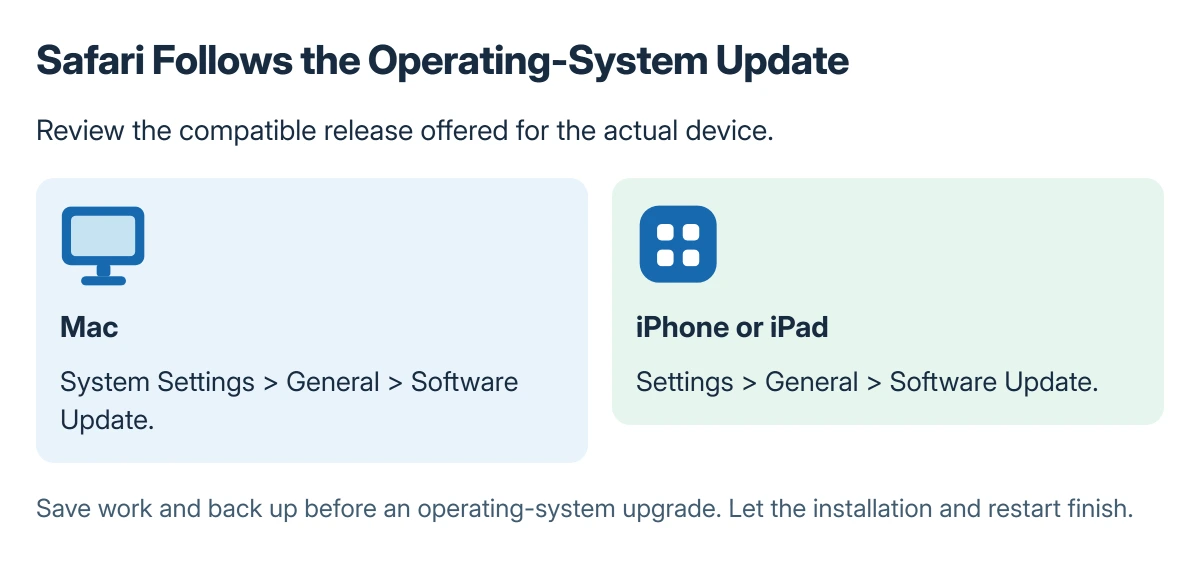
Safari updates arrive through Apple's operating-system update tools. On a Mac, check System Settings > General > Software Update; on an iPhone or iPad, use Settings > General > Software Update.
Use the update offered for that device rather than downloading a separate Safari installer from an unrelated website. A device already on its latest compatible software may not qualify for every newer Safari release.
Check the update route for the device
Apple says its operating-system updates supply compatible Safari releases in its Safari update guidance. Install the available system updates or upgrades to obtain a newer compatible Safari.
On a Mac, open System Settings > General > Software Update and review what is offered. Apple's macOS update instructions describe that route and link to other installation methods for older systems without Software Update.
Status: Safari's operating-system delivery, Mac and mobile update paths and Windows limit checked 22 October 2026. No update was downloaded, installed or tested.
Check the offered release before confirming. Save work and make a current backup before an operating-system upgrade, since updating Safari through that route can also change other system components.
On iPhone or iPad, update iOS or iPadOS
Connect to power and Wi-Fi, then open Settings > General > Software Update. Review the available update and follow the download and installation prompts.
Apple documents those preparation and menu steps in its iPhone and iPad update instructions. Allow installation and the restart to finish before testing the browser again.
A verification message that never advances is a separate installation problem. The iPhone update-verification checks address that stage rather than suggesting a different Safari download.
If the updater says the device is current
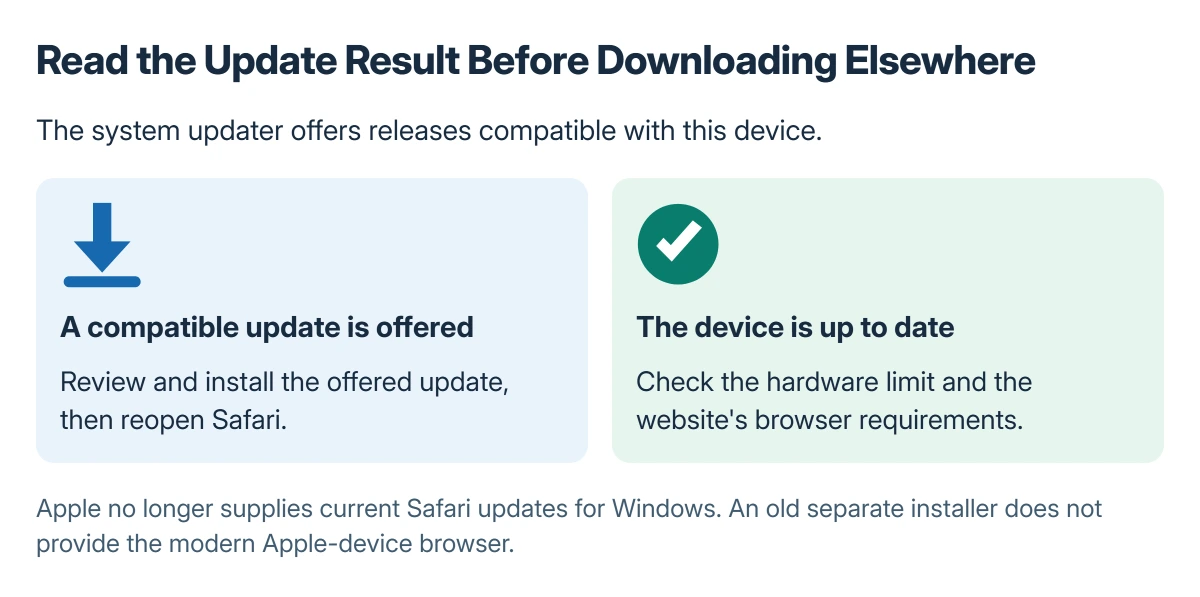
Software Update offers compatible releases for that hardware. A current result does not mean an older device can install an operating system it does not support.
If a site still says Safari is outdated while the device has the newest software available to it, Apple recommends contacting that site's owner or developer for guidance.
Record the device, installed system version and the website's exact warning. Those details let support distinguish a compatibility requirement from a failed update check.
Keep Safari for Windows out of the update path
Apple states that it no longer provides Safari updates for Windows or other non-Apple operating systems. An old Windows Safari download is therefore not a route to the current Apple-device browser.
For a Windows computer, use a browser that is currently supported there. Do not install an old Safari package because a page requests a modern Safari version.
When the system update itself is stuck
Use the macOS update-progress guide when an installation has stopped advancing. Avoid interrupting a working installation merely because its estimate changes.
If the device cannot obtain its documented compatible update, report the precise error and offered version to Apple Support. If only one website rejects the updated browser, give those details to the website's support team instead.
The Short Version
Update Safari through macOS, iOS or iPadOS Software Update. Check the available compatible release and finish the installation before revisiting the affected website.
An older device may already have its newest supported browser. Apple does not offer a current Safari update for Windows, so a separate old installer does not solve that limitation.
Where to Next
Reopen the page that prompted the update and inspect its behavior. Keep any remaining website warning separate from an operating-system installation error so it reaches the right support route.

Isaac Smith is the founder and editor of PC Glance, a website that covers computers, laptops, and technology. He is a tech enthusiast and a computer geek who loves to share his insights and help his readers make smart choices when buying tech gadgets or laptops. He is always curious and updated about the latest tech trends.